
Connect
Combine ideas
Pick two or more ideas and turn them into a new one.
Combine is for when two ideas belong together. HiveSight shows what they share and drafts a new idea that stays linked to the ones it came from.
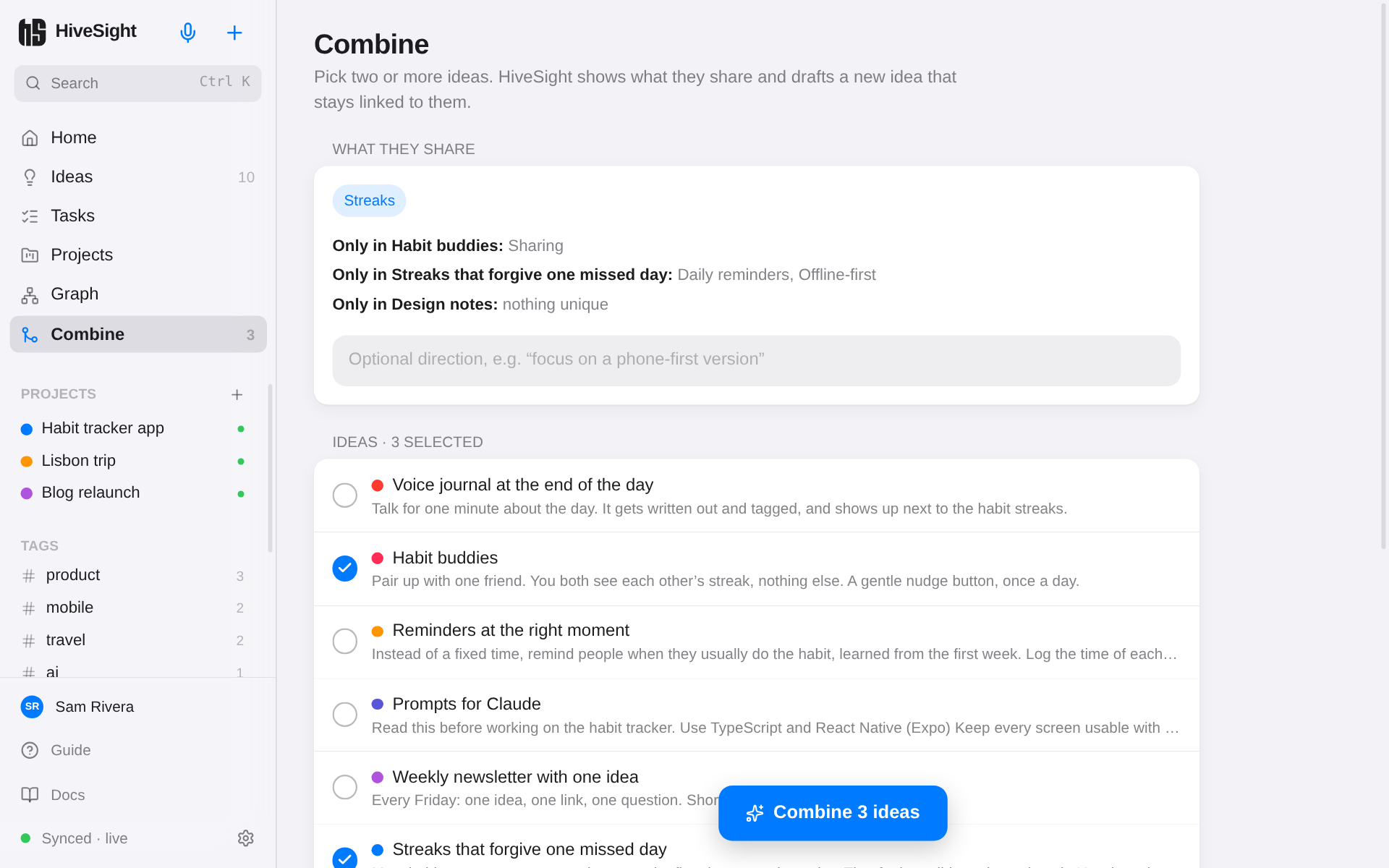
- Open Combine.
- Tick two or more ideas. What they share shows their common features and what's only in each one.
- Optionally give a direction, like "focus on a phone-first version".
- Tap Combine. Edit the draft if you like, then tap Save idea.
The new idea gets the Combined status and green links to its parents in the graph. When AI is available, the draft is written by AI; otherwise HiveSight puts together a simple draft from the ideas' text and features.
You can also start from an idea: ⋯ → Combine with other ideas in the editor.