
Get started
Welcome to HiveSight
Capture ideas by typing or talking, keep them in sync on every device, and connect them into projects.
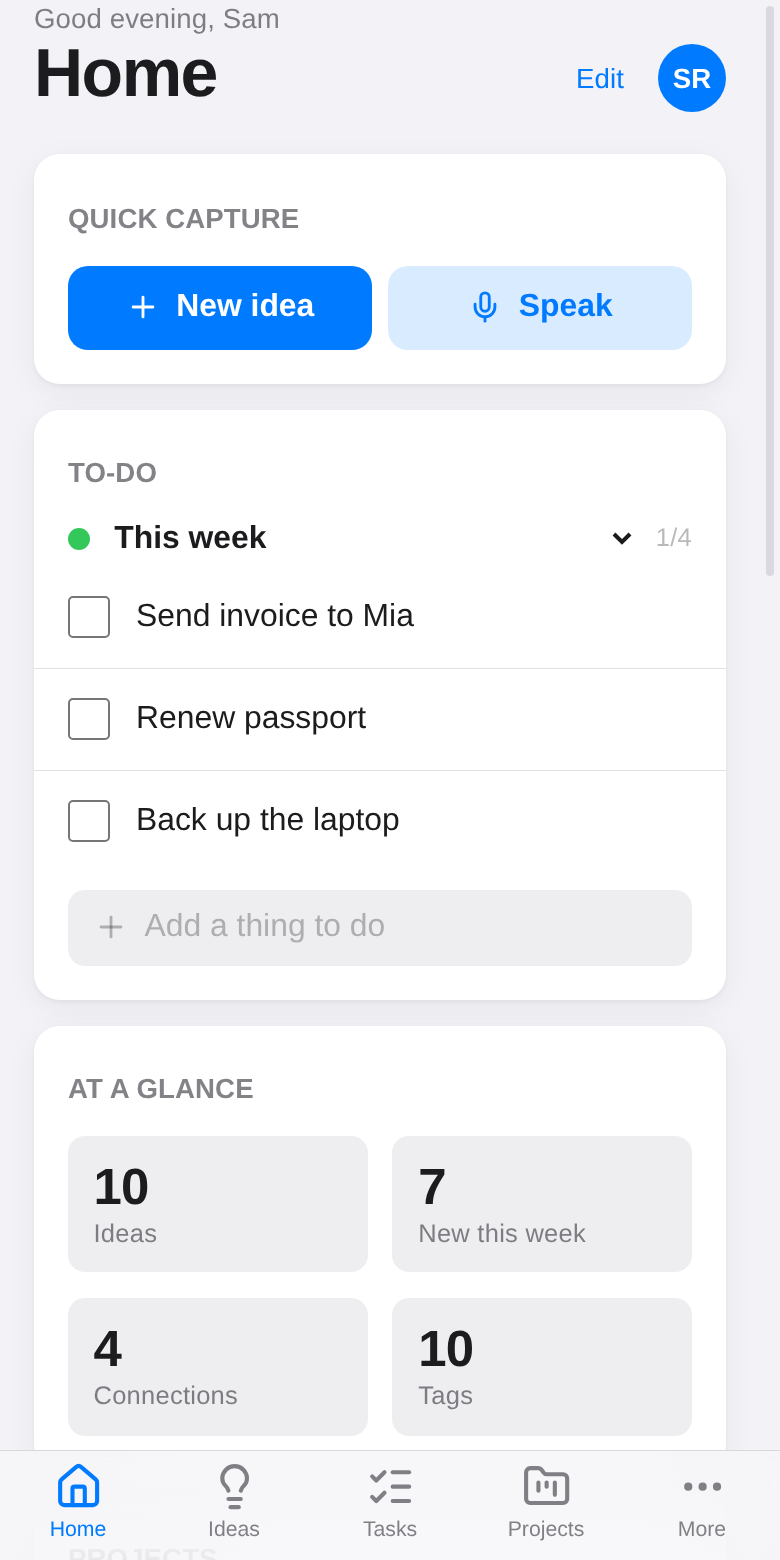
HiveSight is a place for ideas, notes, projects and to-do lists. Write or speak an idea the moment you have it, and it's on your phone and laptop a second later, even if you were offline when you wrote it.
What you can do
Capture ideas Type or talk; the first line becomes the title. Write rich notes Headings, checklists, tables, code and images. Organize Statuses, tags, features, pins and projects. Plan projects Tasks with progress, plus the notes that go with them. Keep to-do lists Tick things off, also from your phone's home screen. See connections A graph of how your ideas relate. Combine ideas Turn two or more ideas into a new one. Share One idea or a whole project, edited together live. Work with AI agents Let Claude and other AI apps work from your plans.
Get going in a minute
- Open hivesight.xyz on your phone or computer. A private vault is made for you, no account needed.
- Tap New idea and write something. The first line becomes the title.
- Get the app: on Android, download the Android app (with home-screen widgets). On a computer or iPhone, install it from your browser.
- Open HiveSight on your other devices with your vault key: sync your devices.
Your vault key is what keeps your notes private. Anyone with it can read and edit them, so only share it with your own devices. More in privacy and security.
New here?
Open Guide in the app (the ? in the sidebar, or Settings → Guide) for a short tour, then come back here whenever you want the details.