
Organize
Projects and tasks
Colored folders for related ideas, notes and tasks, with a checklist and progress.
A project holds everything for one goal: its tasks, and the ideas and notes that belong to it.
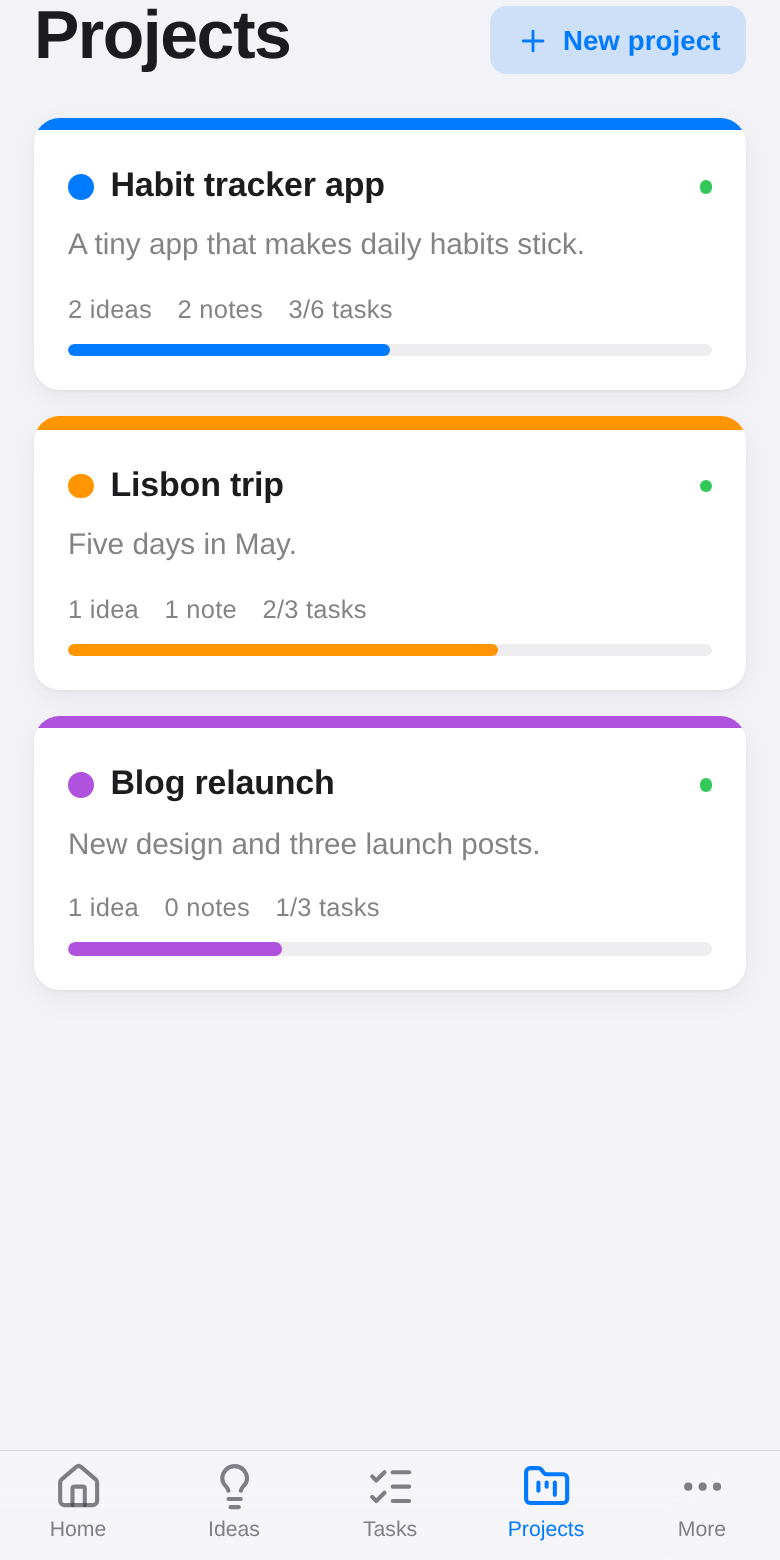
Make a project
Open Projects and tap New project (or + next to Projects in the sidebar). Give it a name, a description and a color.
Tasks
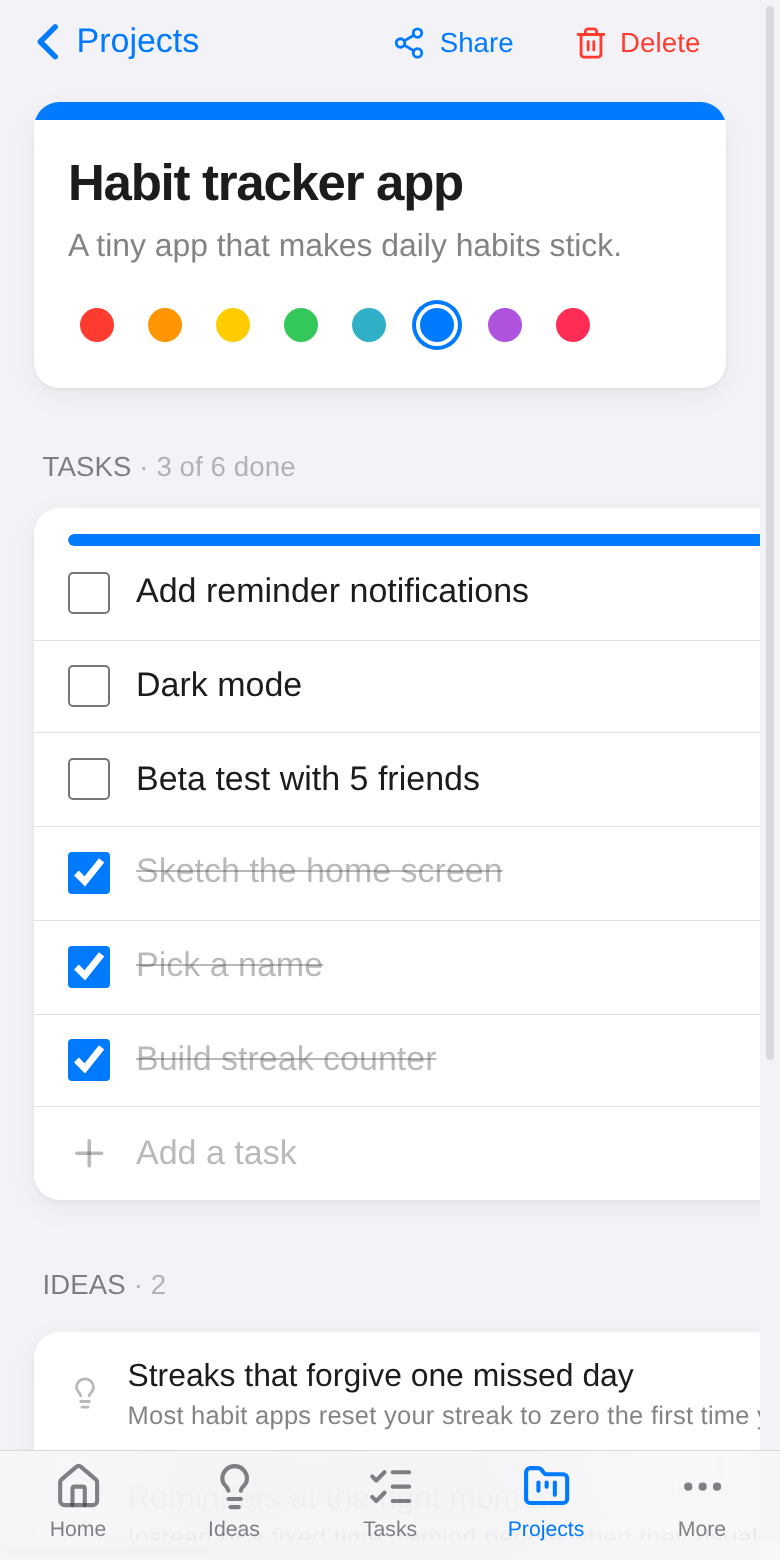
- Type in Add a task and press Enter.
- Tick a task when it's done; the progress bar fills up. Done tasks move to the bottom.
- Progress also shows on the Projects widget on Home and on the Android Projects widget.
Ideas and notes in a project
Set the project chip in any idea's editor to put it in that project. The project page lists its ideas and notes, newest first.
Share a project
Tap Share on a project to work on it with other people. See Sharing.
Let an AI agent work on it
Projects are where you plan work for AI agents: the tasks are their to-do list and a note tagged ai holds your instructions. See AI agents.