
Organize
To-do lists
Simple lists of things to do, ticked off one by one.
To-do lists are for everyday things that aren't a project: this week's errands, groceries, packing.
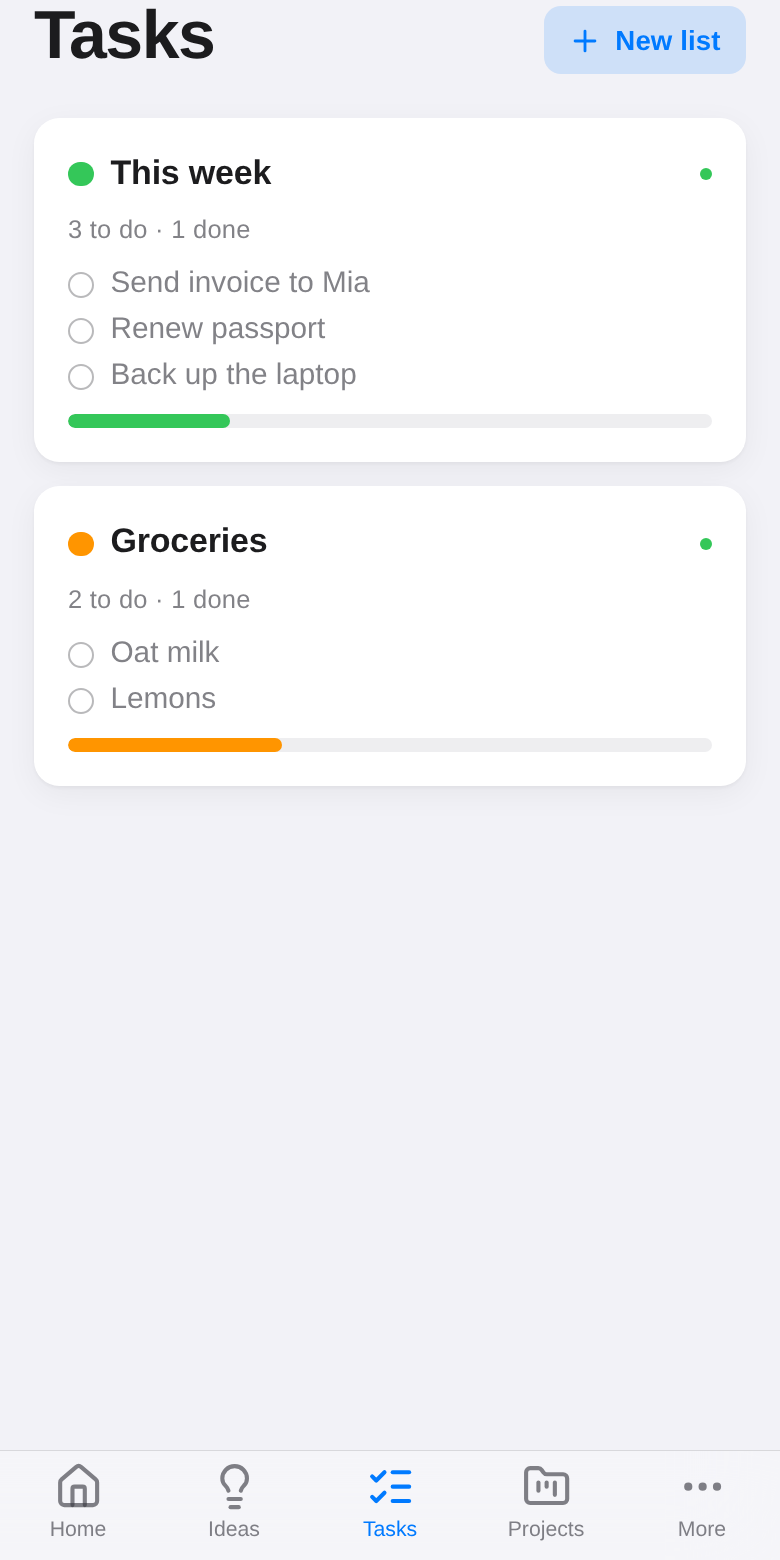
Make a list
Open Tasks and tap New list. Give it a title and a color.
Use it
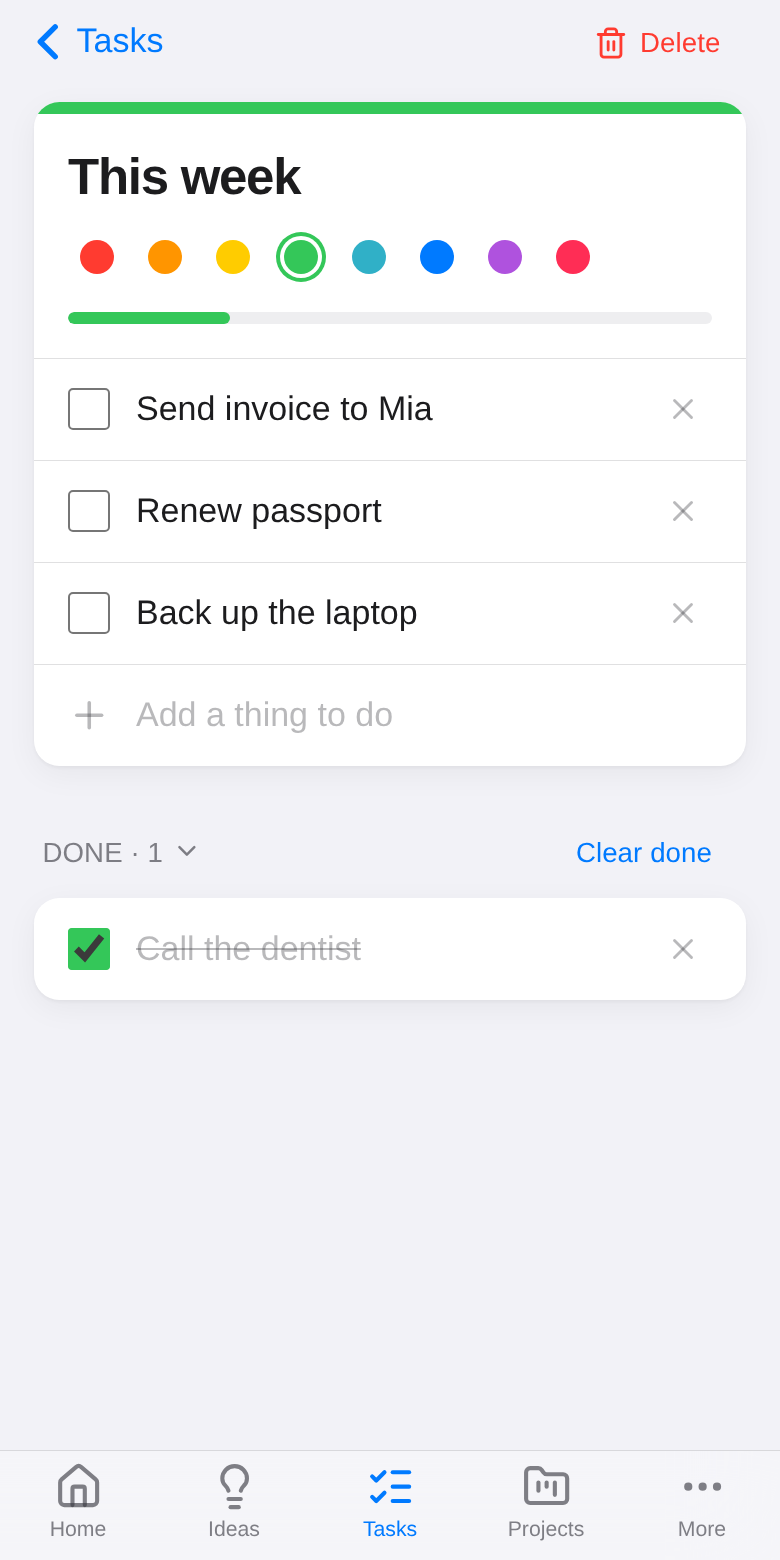
- Type in Add a thing to do and press Enter.
- Tick an item to move it to Done. Clear done removes the ticked ones.
- Tap × to remove a single item.
Two devices can add items to the same list at the same time; both are kept.
On your home screen
- In the app, the To-do widget on Home shows a list you pick, and you can tick items right there.
- On Android, the To-do home-screen widget does the same without opening the app.