
Connect
Search
Find any idea by the words in it.
Press Ctrl K (⌘ K on a Mac), click Search in the sidebar, or use the search field at the top of the Ideas list.
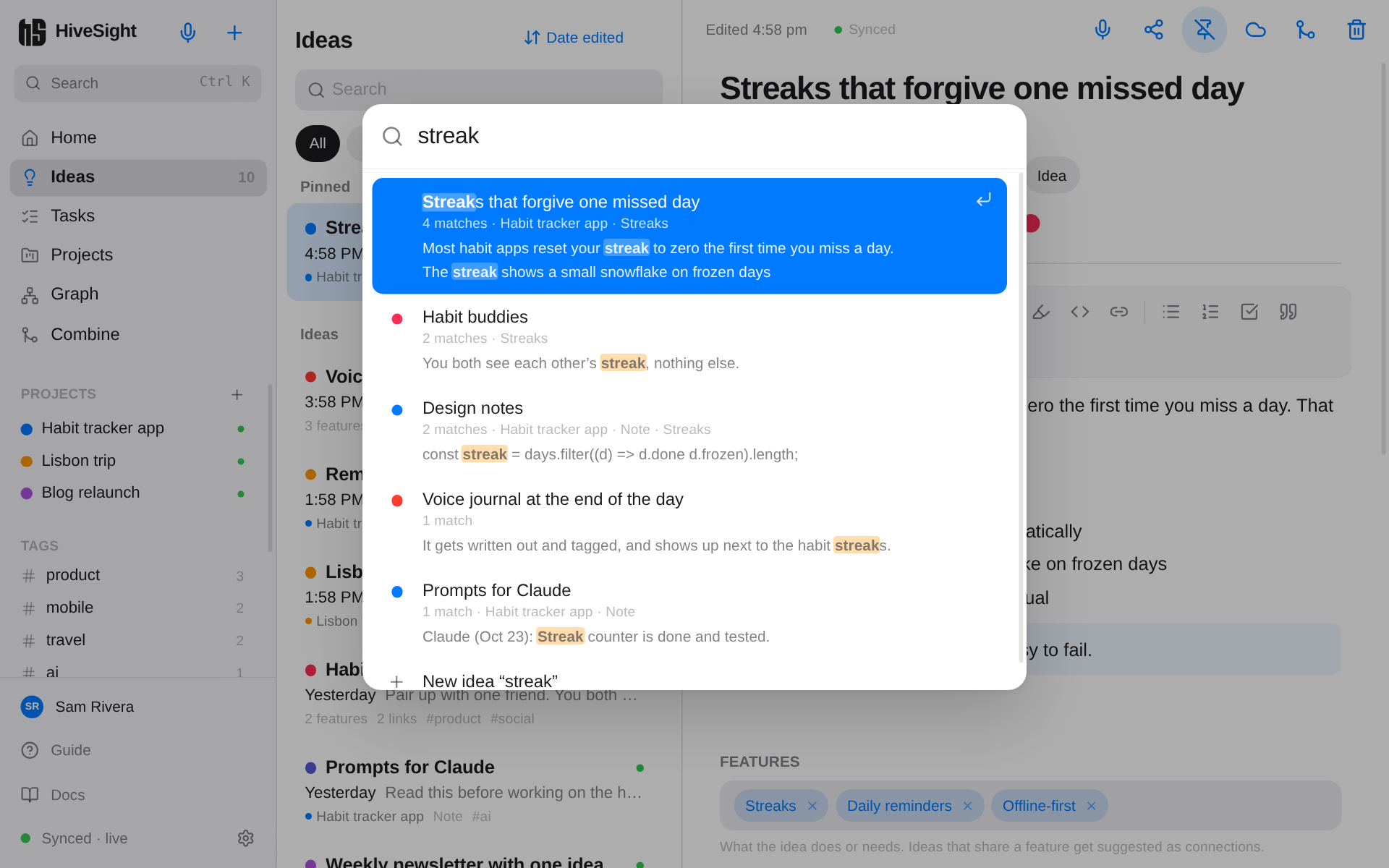
- Every word must appear somewhere in an idea: in the title, text, tags or features, in any order.
- Results show the matching sentences with your words highlighted, and how many matches each idea has.
- Use the arrow keys and Enter, or tap a result. The idea opens and jumps to the first match.
- Nothing found? The last result, New idea "…", starts an idea with what you typed.